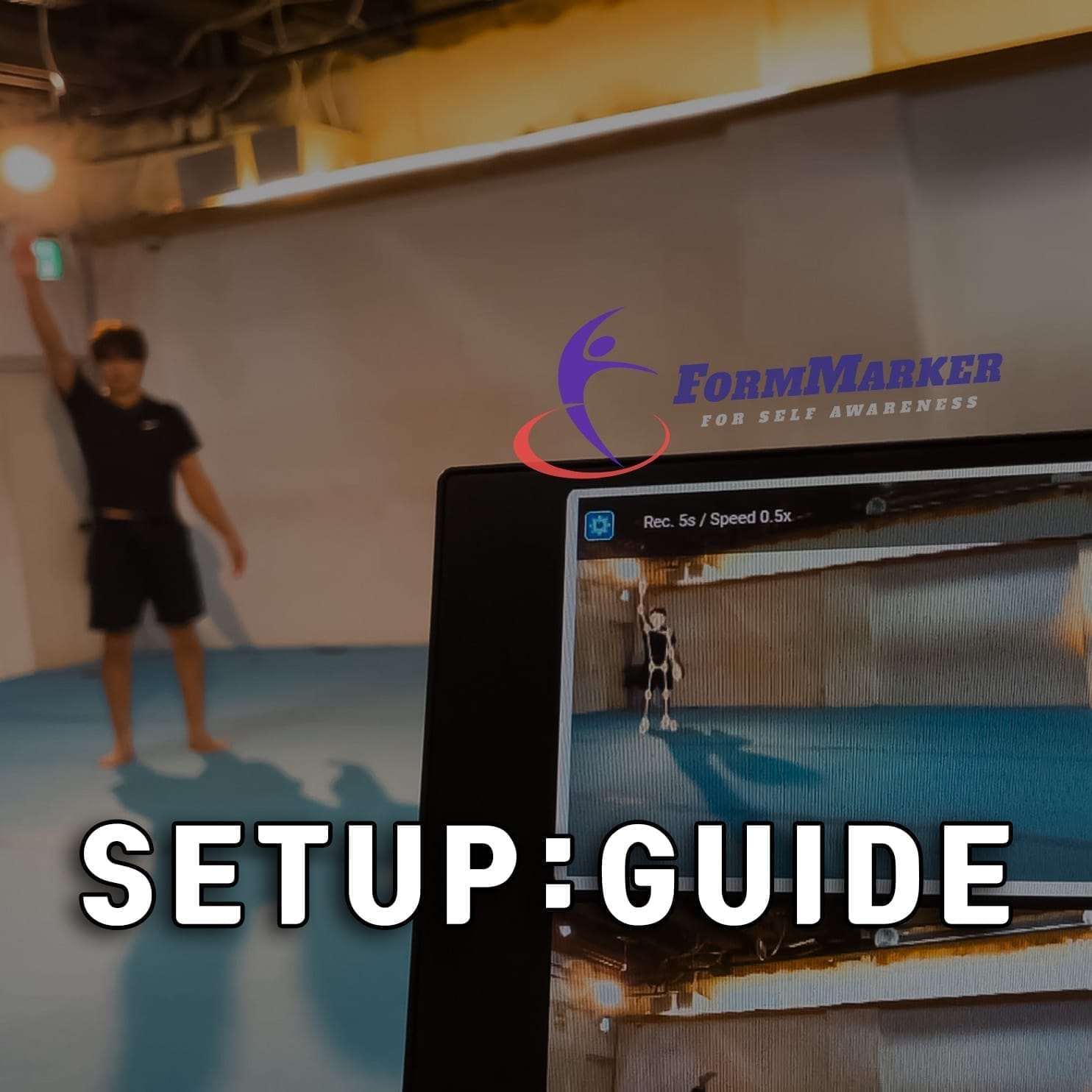
FormMarker Setup Guide: What You Need to Get Started
To get accurate motion analysis with FormMarker, you need the right equipment. This guide covers everything from choosing the best webcam to using a USB repeater for long-distance setups.
Choosing a Webcam — 4 Key Specs
The accuracy of motion analysis depends heavily on webcam performance. Use these 4 key specs as your selection criteria.
Resolution
FHD 1080p or higher recommended
Higher resolution captures finer movement details. Low resolution causes pixelation when zooming in, making accurate analysis difficult.
Frame Rate
60fps or higher recommended
At low frame rates, fast movements appear blurry or choppy. For sports and dance analysis, a minimum of 60fps is essential to capture every detail.
Field of View (FOV)
Choose based on your needs
A wide FOV (100°+) is ideal for capturing the full body in tight spaces, while a narrow FOV (70–90°) provides sharper footage when recording from a distance.
Focus Type
Choose based on your environment
Manual focus stays locked and stable once set. Autofocus is more convenient when the distance between the camera and subject changes frequently.
Tip: For recording from a long distance (e.g., jump rope analysis), a narrower FOV (under 90°) may actually deliver sharper results. Consider both the recording distance and the size of your space.
Recommended Webcams
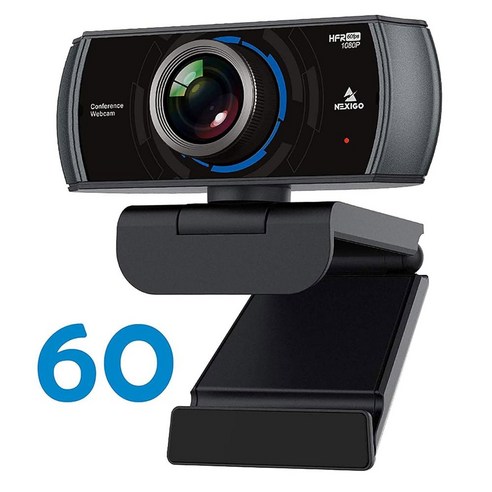
NexiGo N980P Webcam
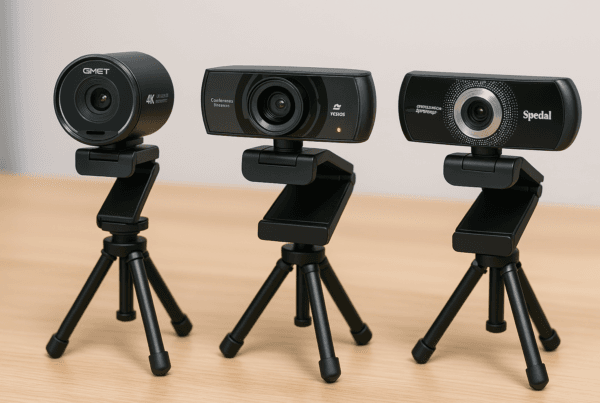
Wide-angle webcam that captures the full body even in small spaces. Manual focus ensures stable, consistent recording once set.
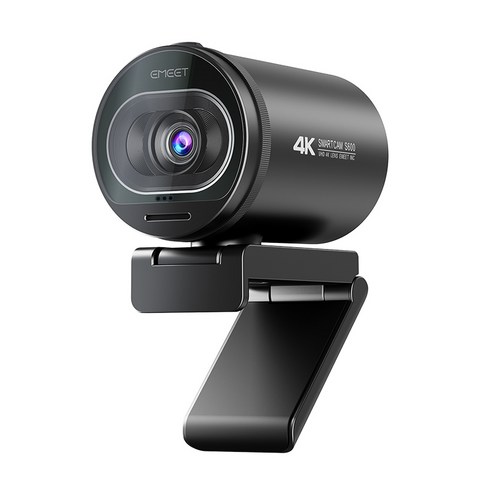
EMEET S600 4K Webcam
Best for recording from a distance. The narrow FOV combined with 4K resolution and autofocus delivers sharp, detailed footage.
Setup Process — 3 Simple Steps
Follow these steps to get FormMarker up and running.
-
Connect the Webcam
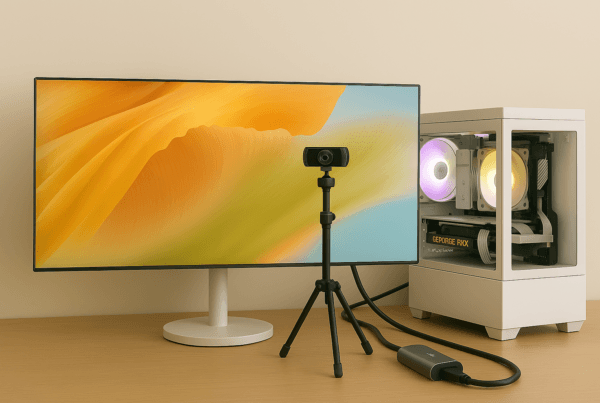
Plug the webcam into your PC via USB. If the distance is long, use a USB repeater. A tripod helps secure the camera at the ideal angle.
-
Configure Webcam in Chrome
Open the FormMarker website in Chrome, allow camera permissions, and select the webcam you want to use.
-
Start Motion Analysis
Adjust the webcam position so your full body is visible in the frame, then start the analysis. A monitor allows you to view real-time feedback.
Note: For detailed instructions on configuring your webcam in Chrome, see our Webcam Configuration Guide.
USB Repeater — Stable Long-Distance Connection
When the webcam and PC are far apart, a standard USB cable may result in an unstable signal. A USB repeater ensures reliable video data transmission even over long distances.
Bus-Powered (No External Power)
Operates solely on USB port power, so you can set it up anywhere without worrying about power outlet placement.
USB 3.0 High-Speed Transfer
USB 3.0 ensures smooth, uninterrupted transmission of 60fps high-resolution video. Plug-and-play with no driver installation required.
Tip: If a single 5m repeater isn’t enough, you can daisy-chain repeaters for up to 25m total length. However, more connections may degrade signal quality, so use the minimum number of repeaters needed.
Recommended Repeater
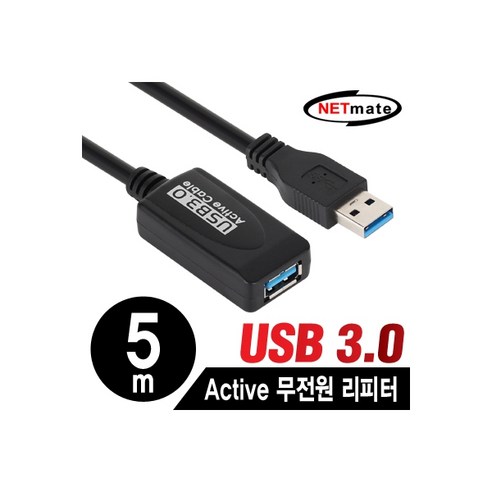
NETmate USB 3.0 Repeater
Extends USB connection up to 5m without external power. Ensures stable video transmission when the webcam and PC are far apart.
Key Takeaways
- Resolution (FHD+), Frame Rate (60fps+), and Field of View are the three essential specs for accurate motion analysis.
- Use a wide-angle webcam for small spaces and a narrow-angle webcam for long-distance recording.
- If your PC and webcam are far apart, use a USB 3.0 repeater to maintain a stable video signal.
- A tripod mount enables stable recording from various angles and positions.
※ This post contains affiliate links. We may earn a small commission at no extra cost to you.